Auto Diagnosis
Use Auto Diagnosis to investigate the specific reason when encountering errors during the integration tests.
On the Sandbox > Tools > Auto Diagnosis page, follow these steps:
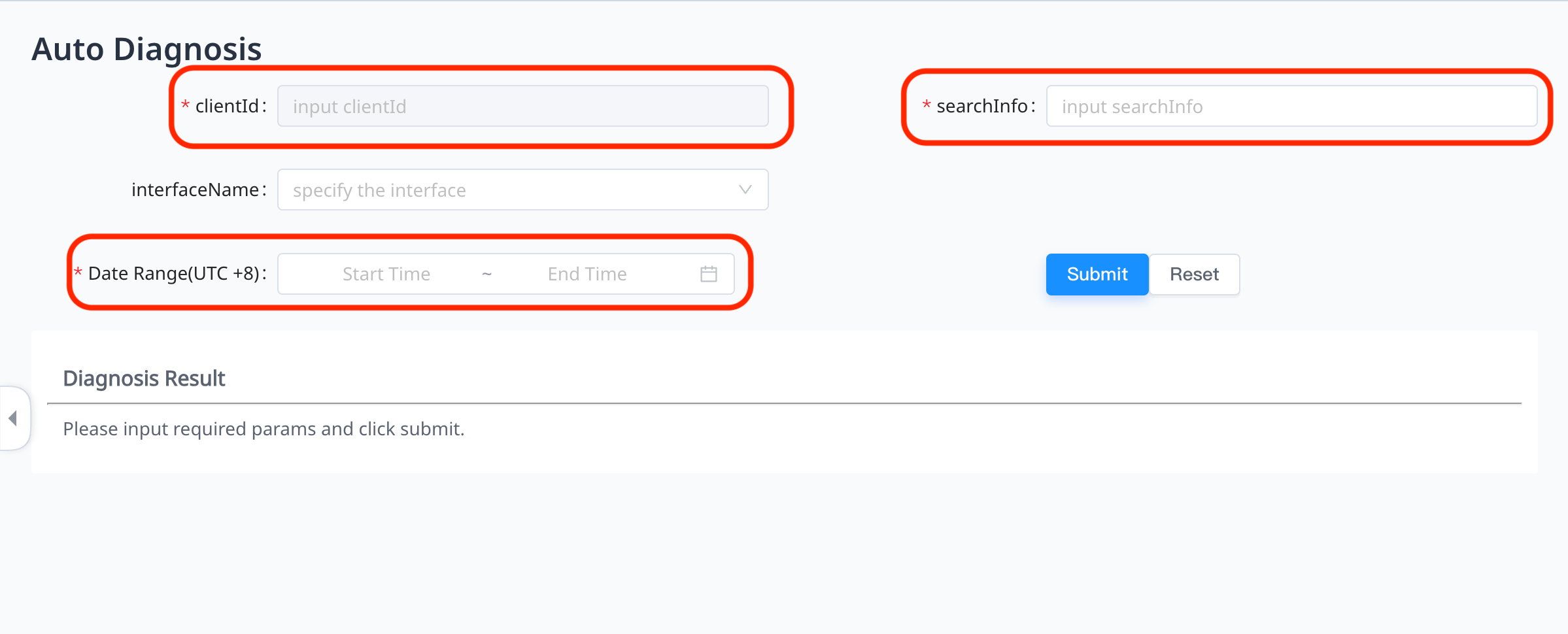
- Fill in the searchInfo and select the time range you want to diagnose in Date Range(UTC +8). The Auto Diagnosis tool will automatically fill your Client ID in clientId.

Note: Auto Diagnosis supports problems locating for payments in a range of seven days.
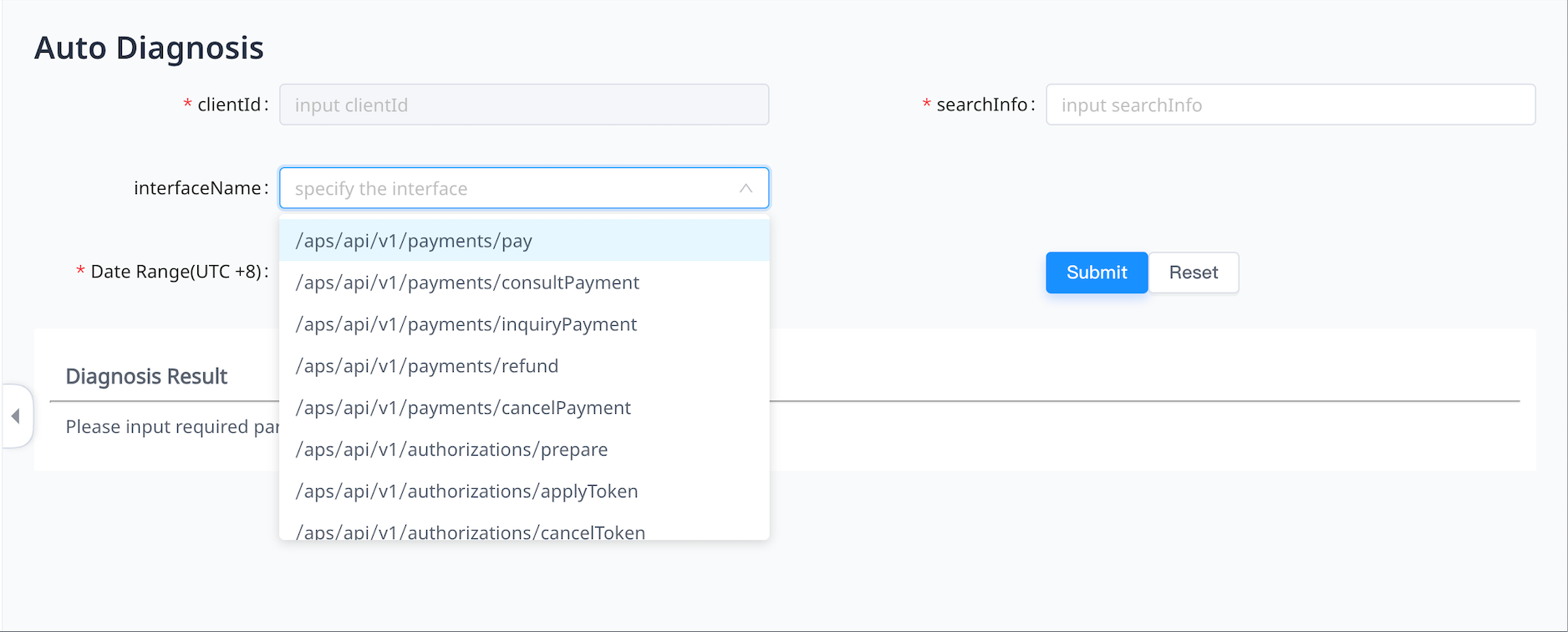
- Optional: Select the API name you want to diagnose in interfaceName.
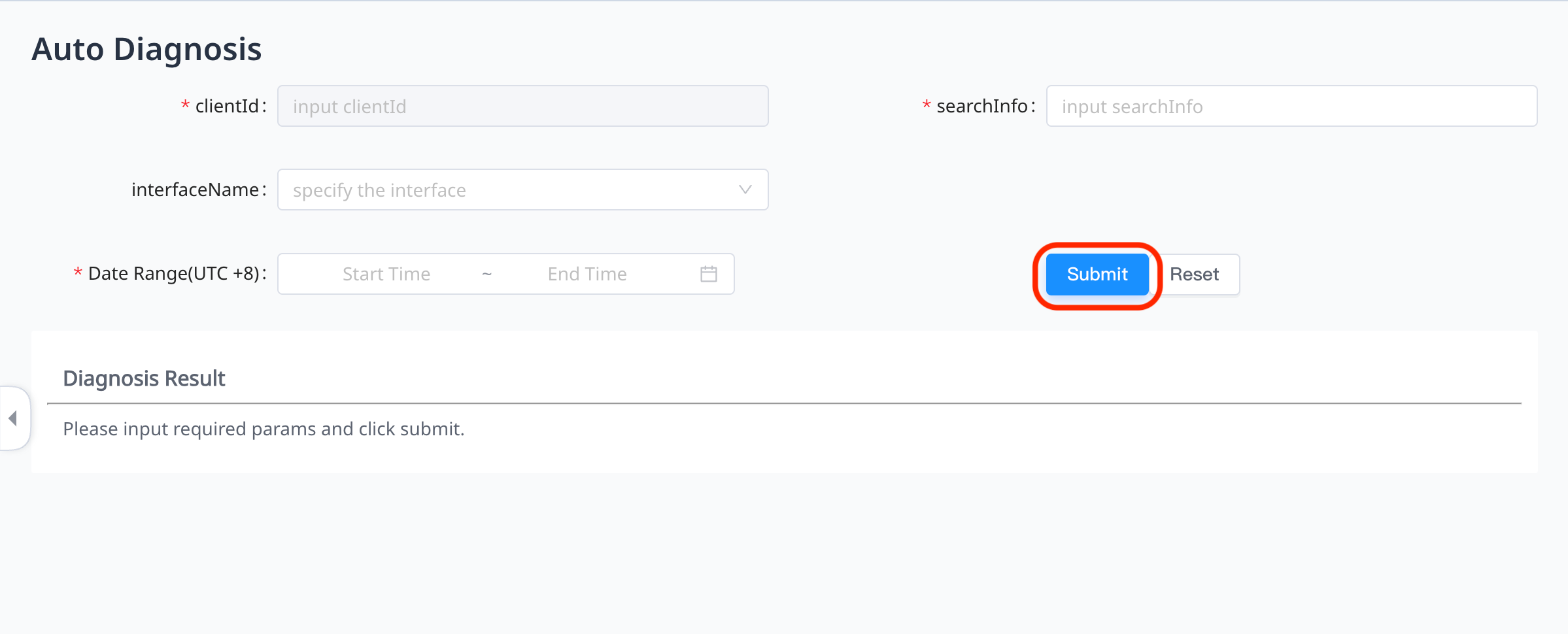
- Click Submit. The detailed issues of the integration test will show in the Diagnosis Result section.